Daily Crane Checklists
on the App
Sign Up
30 Days Free
How it Works
1.
Manager Builds
a Form
Build a form using our simple Form Builder then create teams for your employees
2.
Assigns Forms to
a Team
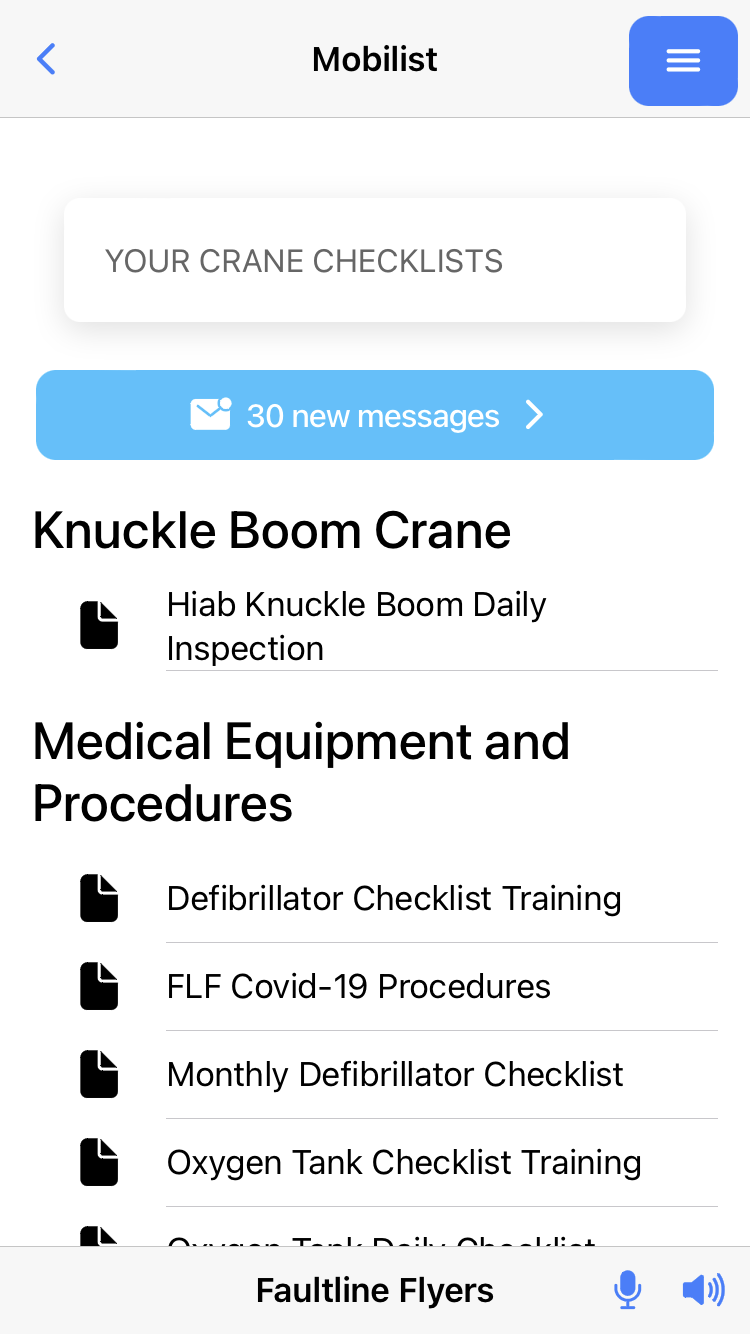
Install the MOBILIST TEAM APP on employee’s devices and assign the form to that team
3.
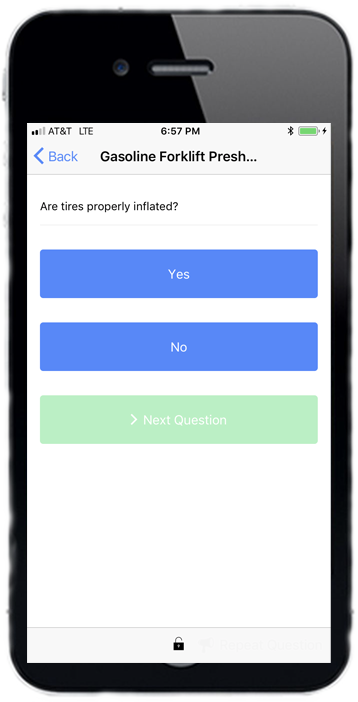
Your Employees Makes Submissions
Employees submit checklists while on the job that are stored on our web console
See Help for Detailed Instructions
4.
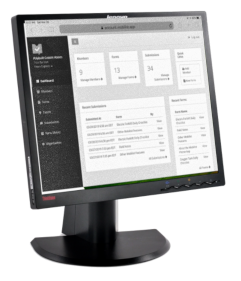
Managers Review
Submissions
Submitted checklists are stored and can easily be referenced